Role-Based Access Control (RBAC)
Custom Roles & Permissions
Define exactly who can do what in your Griddo platform. Create custom roles with granular permissions to keep your content secure, your team productive, and your workflows compliant.
The challenge
One size doesn't fit all
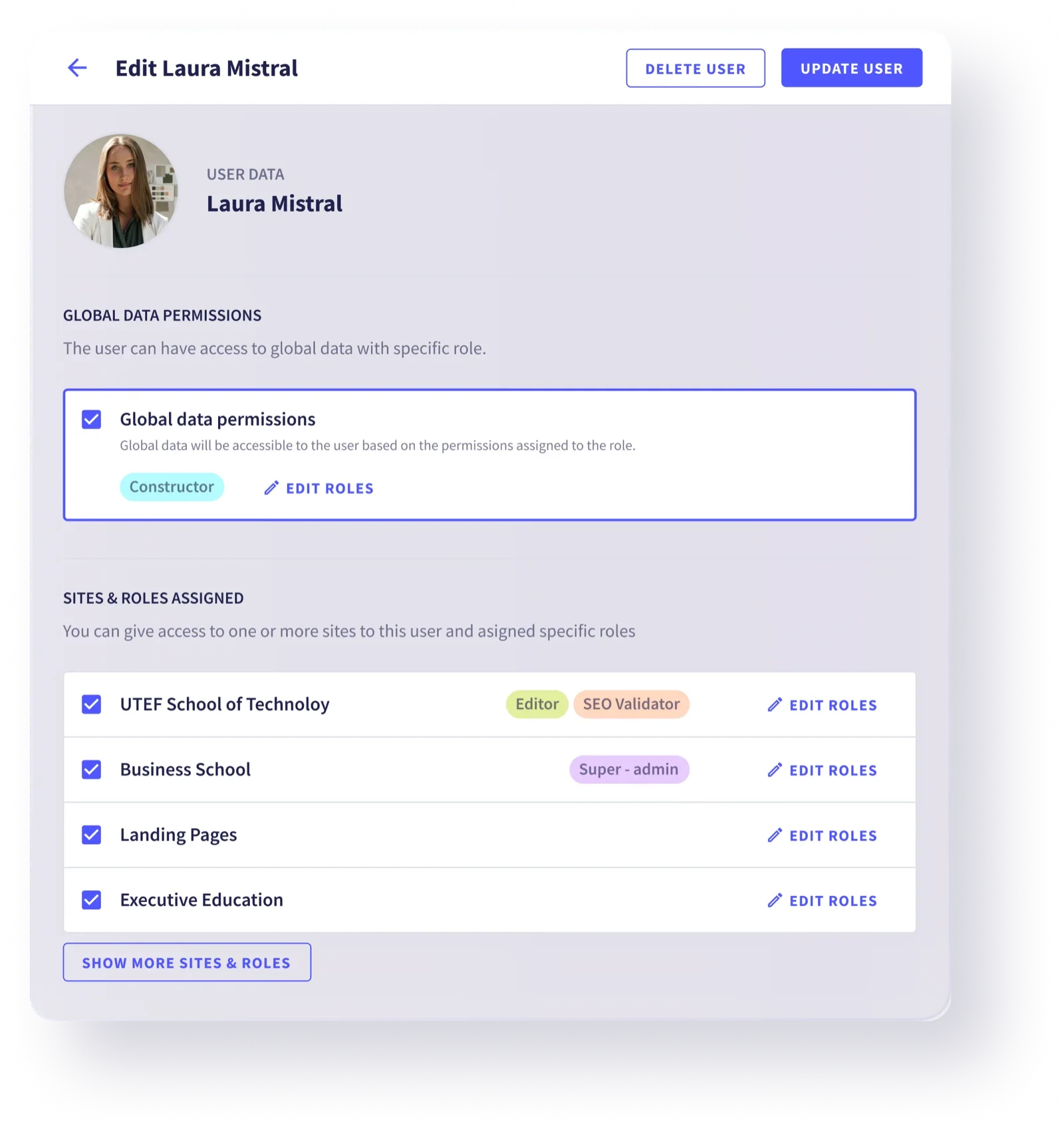
Marketing teams, developers, editors, and external collaborators all need different levels of access. Without proper role management, you risk unauthorized changes, content leaks, or bottlenecks that slow your entire team down.
Built-in roles
Six roles out of the box
Griddo ships with six default roles — three mandatory and three optional — that cover the most common team structures. Use them as-is or as a starting point for your custom roles.
Mandatory

Super Admin
Unrestricted access to every setting, user, role, and piece of content. Assign with care — this is the master key to your platform.


Administrator
You can manage all of your site's settings, users and roles. You can create and publish all pages of your site.



Viewer
You can view the content, but you cannot edit it. Perfect for stakeholders and external reviewers.
Optional



Webmaster
You can edit your website, add pages, modules, modify URLs, menus, colours and themes, html tags. You don't manage users, or manage the site configuration.




Editor
You have permission to view, add and edit site content, such as pages and blocks.


SEO Validator
You can manage SEO tags.
 Super AdminAdministratorViewerWebmasterEditorSEO
Go beyond defaults
Create roles tailored to your organization
Every organization is different. With Griddo's custom roles, you define exactly what each team member can see, create, edit, publish, or delete — down to the content type and field level.
Granular control
Permissions that go deep
Content-type permissions
Control access per content type: pages, blog posts, forms, media, and more.
Field-level access
Show or hide specific fields based on role. Protect sensitive data while keeping workflows fluid.
Workflow stages
Assign permissions per workflow stage: draft, review, publish. Each role sees only what it needs.
Locale restrictions
Limit roles to specific languages. Your Spanish editor won't accidentally modify English content.
API token scoping
Generate API tokens with role-based scopes. Integrations only access what they're explicitly allowed to.
Audit trail
Track every action by user and role. Know who changed what, when, and why.
For every team member
The right access for every role
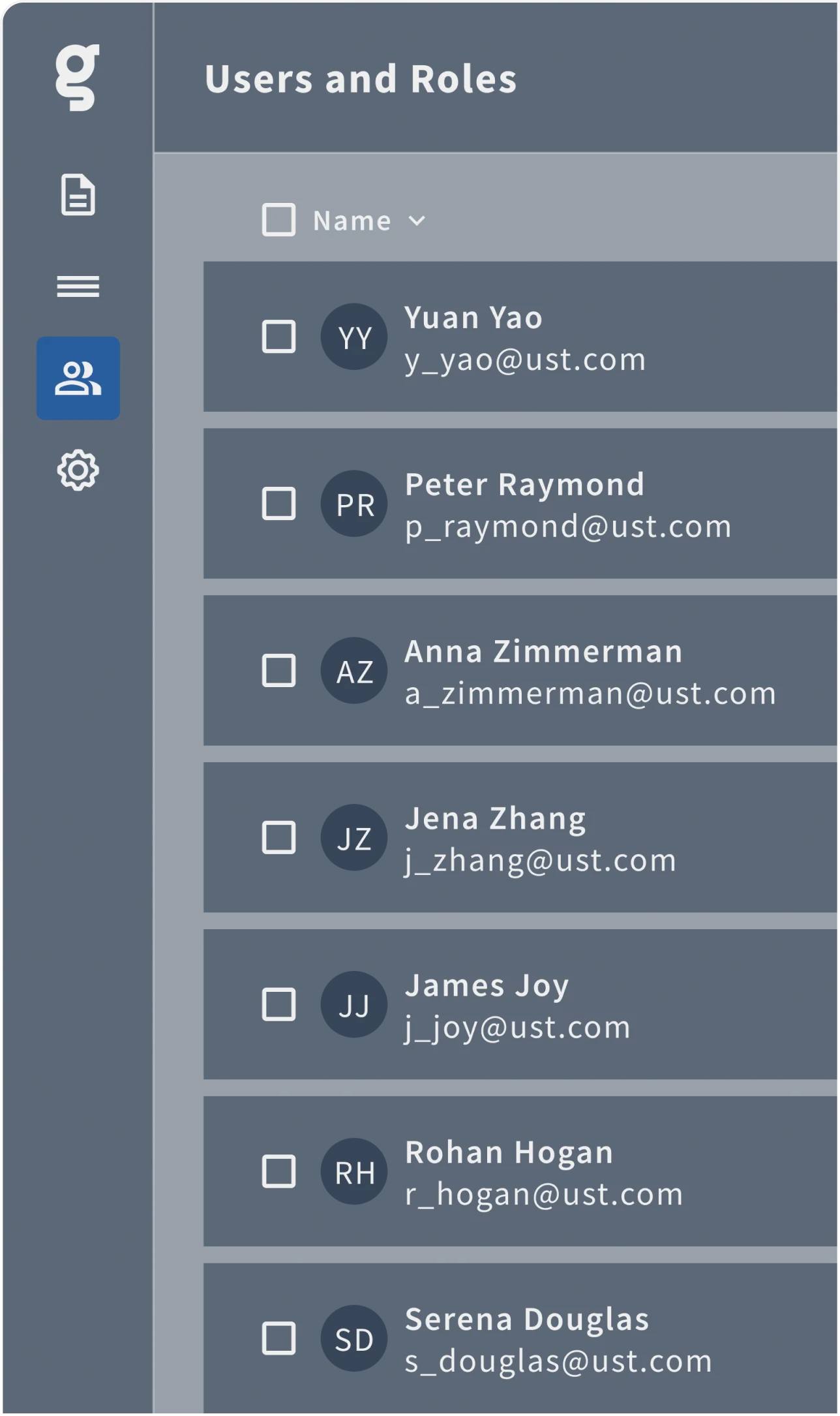
Role-Based Access Control lets your team members have access rights only to the information they need.
CMO

Marketing Manager

Editor

SEO Specialist

IT / CIO

DirCom

Why it matters
Security meets productivity
faster onboarding for new team members
5x
fewer unauthorized content changes
73%
unlimited user creation
∞
Ready to take control of your platform?
Start with built-in roles or create your own. Griddo adapts to your team structure.
Keep it simple: build, scale
and shine with Griddo
Talk to the team
Tell us about your organization and we'll show you how custom roles can work for you.